Race Folder Basics
In RunScore, every race lives in its own folder. Understanding this structure is fundamental — it's how RunScore keeps your events organized, separated, and easy to find.
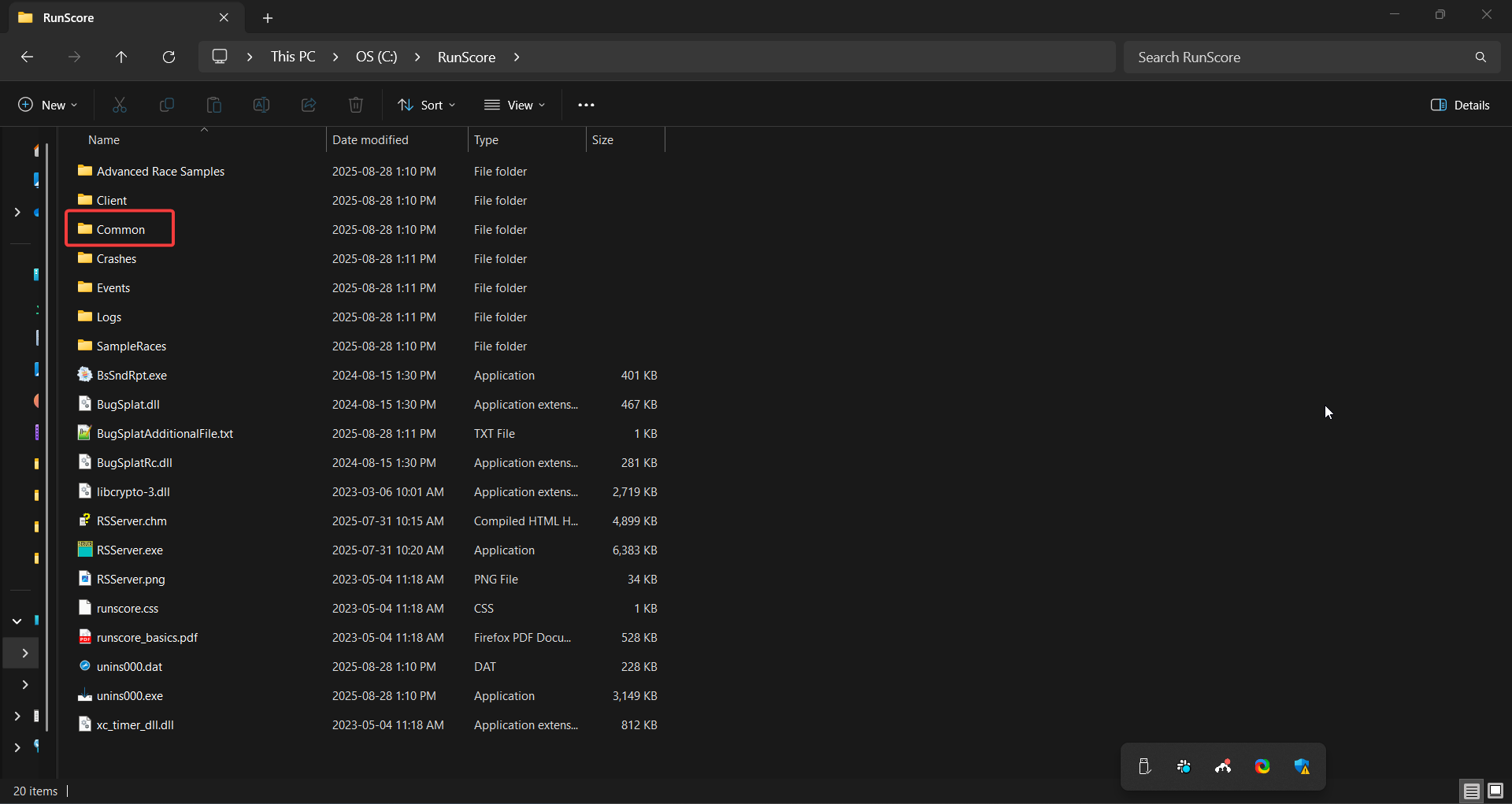
What is a race folder?
A race folder is simply a directory on your computer that contains all the files RunScore needs to manage a single event. When you open a race in RunScore, you're really just pointing the program at one of these folders.
By keeping each race in its own folder, you can:
- Work on multiple events without any risk of one race's data mixing with another's
- Archive past events by moving old folders to a backup location
- Clone a race to use a previous event's configuration as the starting point for a new one (more on this in Race Configuration)
Key files inside a race folder
A typical race folder contains several important files:
| File | Purpose |
|---|---|
ENTRIES.FRM | The main race file RunScore opens — contains your participant database |
Entries.ini | The configuration file that controls RunScore's behavior for this race |
Events.xml | Defines the scoring events (e.g., finish time, splits, chip time) |
*.LST | Listing files that define how results reports are formatted and calculated |
*.RSM | Macro files for automating complex or repeated tasks |
You don't need to edit most of these files by hand. RunScore manages them for you. The exception is Entries.ini, which you'll customize for each event — covered in Race Configuration.
Where race folders live
By default, RunScore stores your race folders inside C:\RunScore or a subfolder like C:\RunScore\Races. Keeping all your events under this main directory makes backups straightforward and ensures RunScore can always find them.
Copy your race folder to a USB drive or cloud storage as a precaution. If anything unexpected happens to your computer during the event, you'll have a complete copy of all your configuration and participant data.
Now that you understand the folder structure, let's open a real race file and start exploring. Head to Opening a Race.