How to Allocate Space
Events 102001 (Results Bib Mismatch) and 102002 (Results Time Mismatch) occur when a CSV import includes more participants than the event is configured to hold.
The log will indicate the name of the event and the number of records. For example:
Number of records in event 'TIME' #6428 is greater than the number of records 1589
Steps
- Open the event for editing via Tools, or from the Misc shortcut menu.
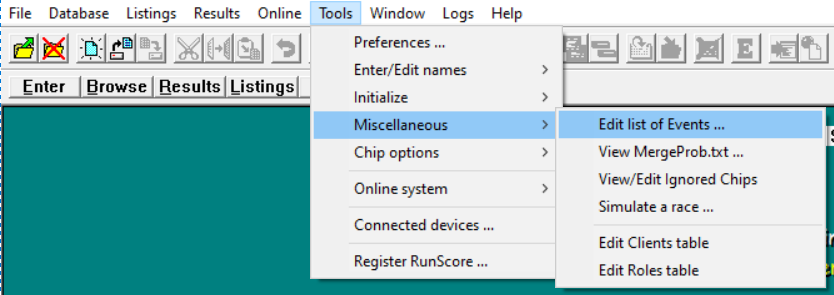
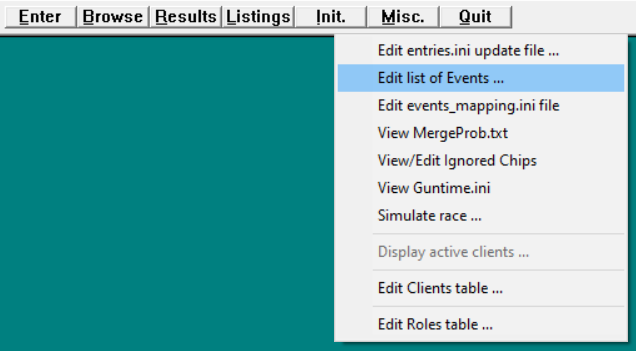
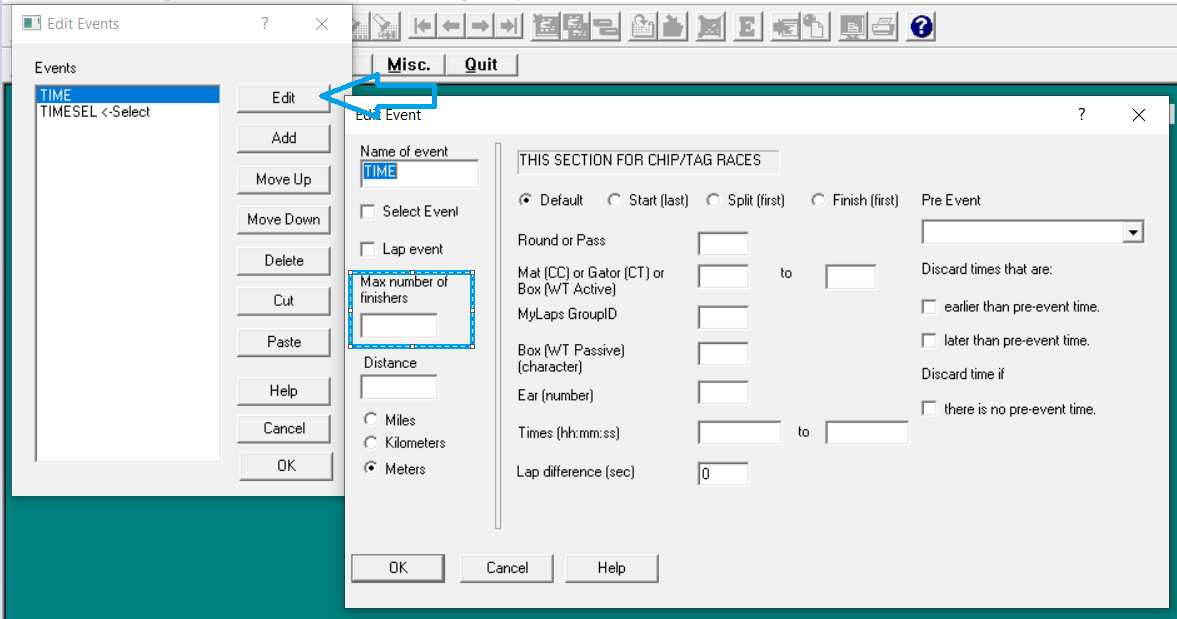
- Select the event and click Edit.
- Increase Maximum number of finishers to a value greater than the number of imported records.
Capacity limits
RunScore can accommodate up to 500,000 records for each event. RunScore automatically adds 1,024 to the maximum number you set.
Online downloads
When you download participants from an online registration integration, RunScore can allocate enough space automatically. If you still see this warning after a download, follow the steps above to increase the event capacity manually.
See also: Event Codes.